Pencil Paper Clash
Tiny pencils. Crumpled ammo. Absolutely no adult supervision.
About this game
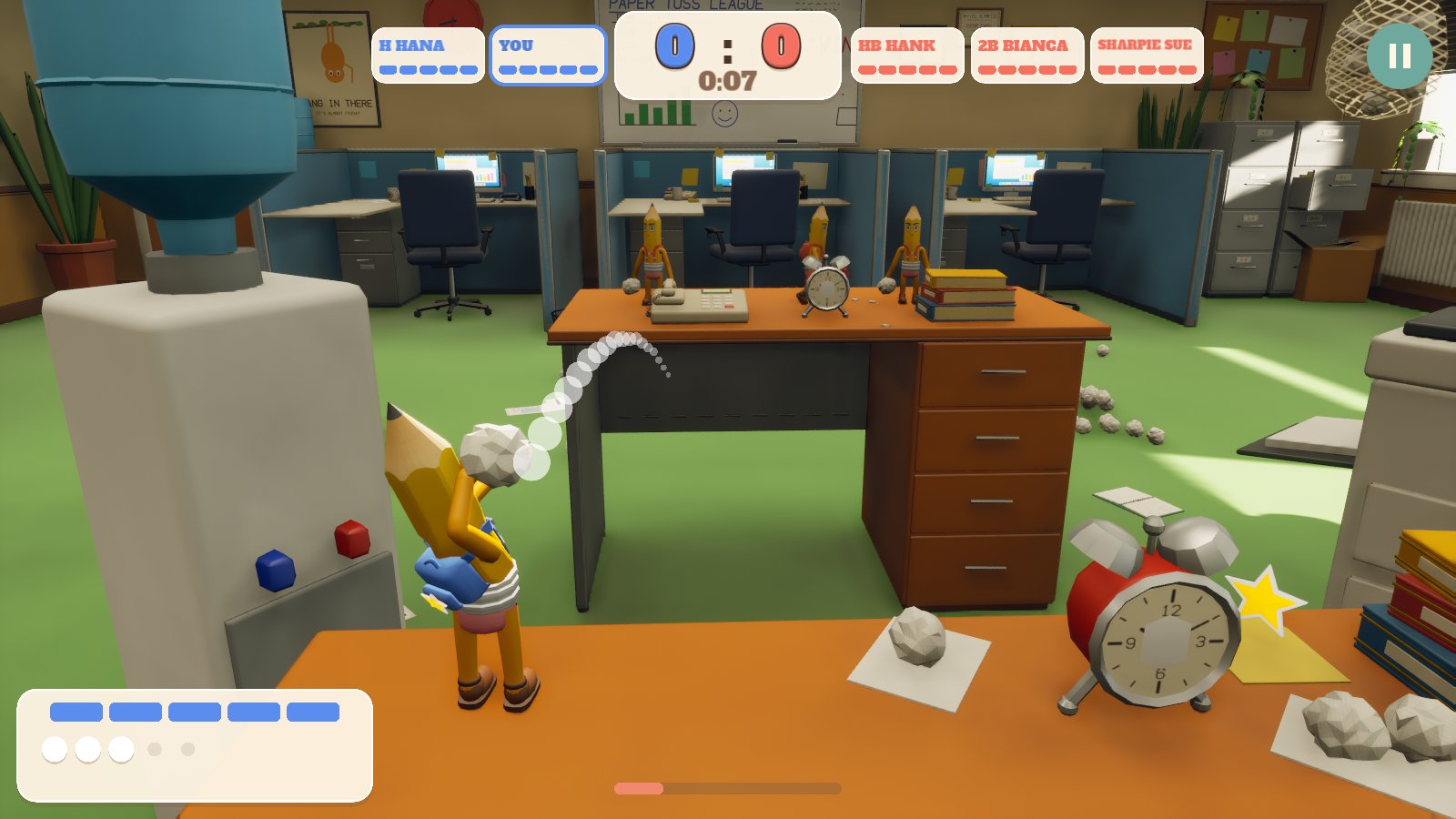
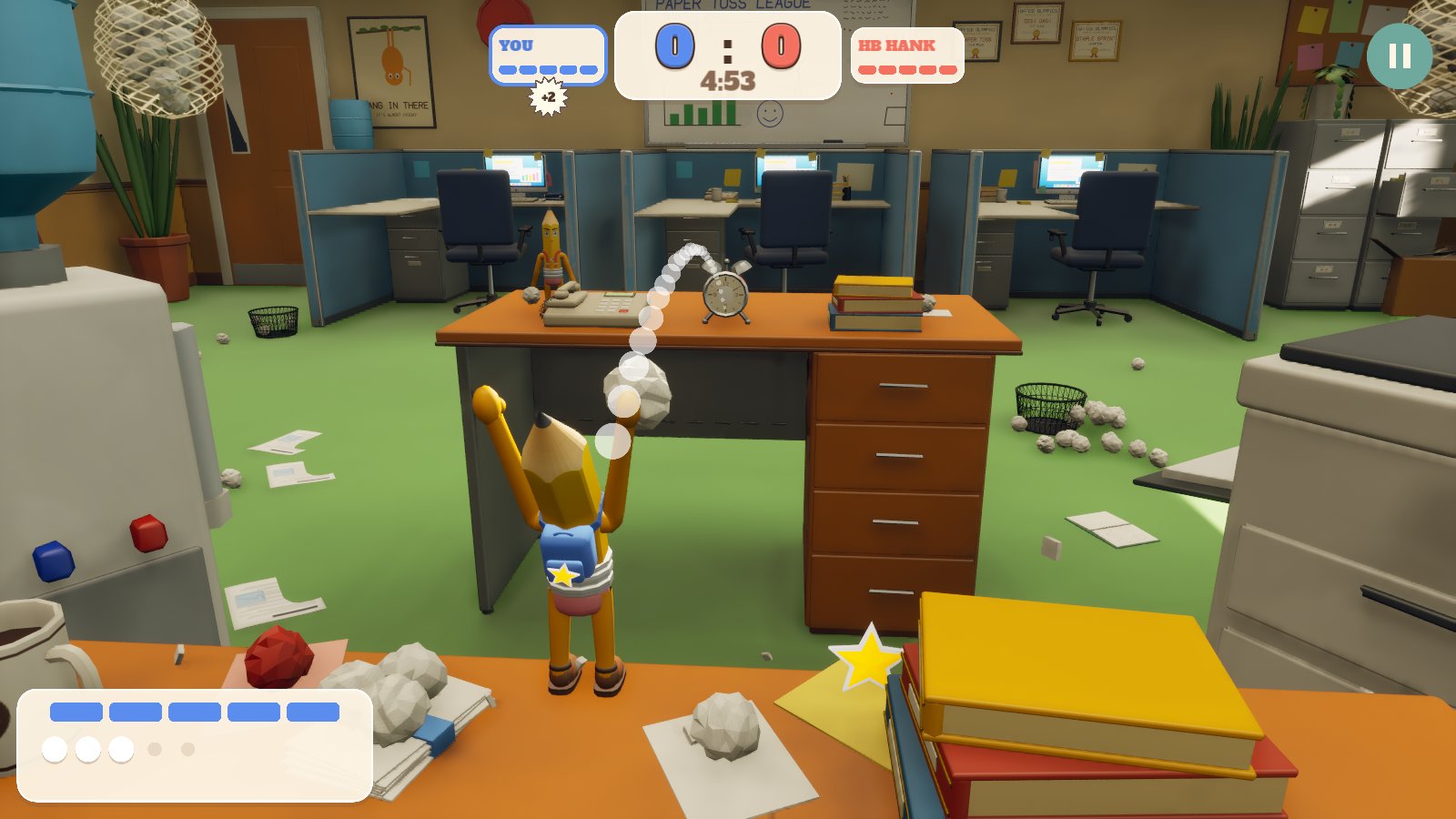
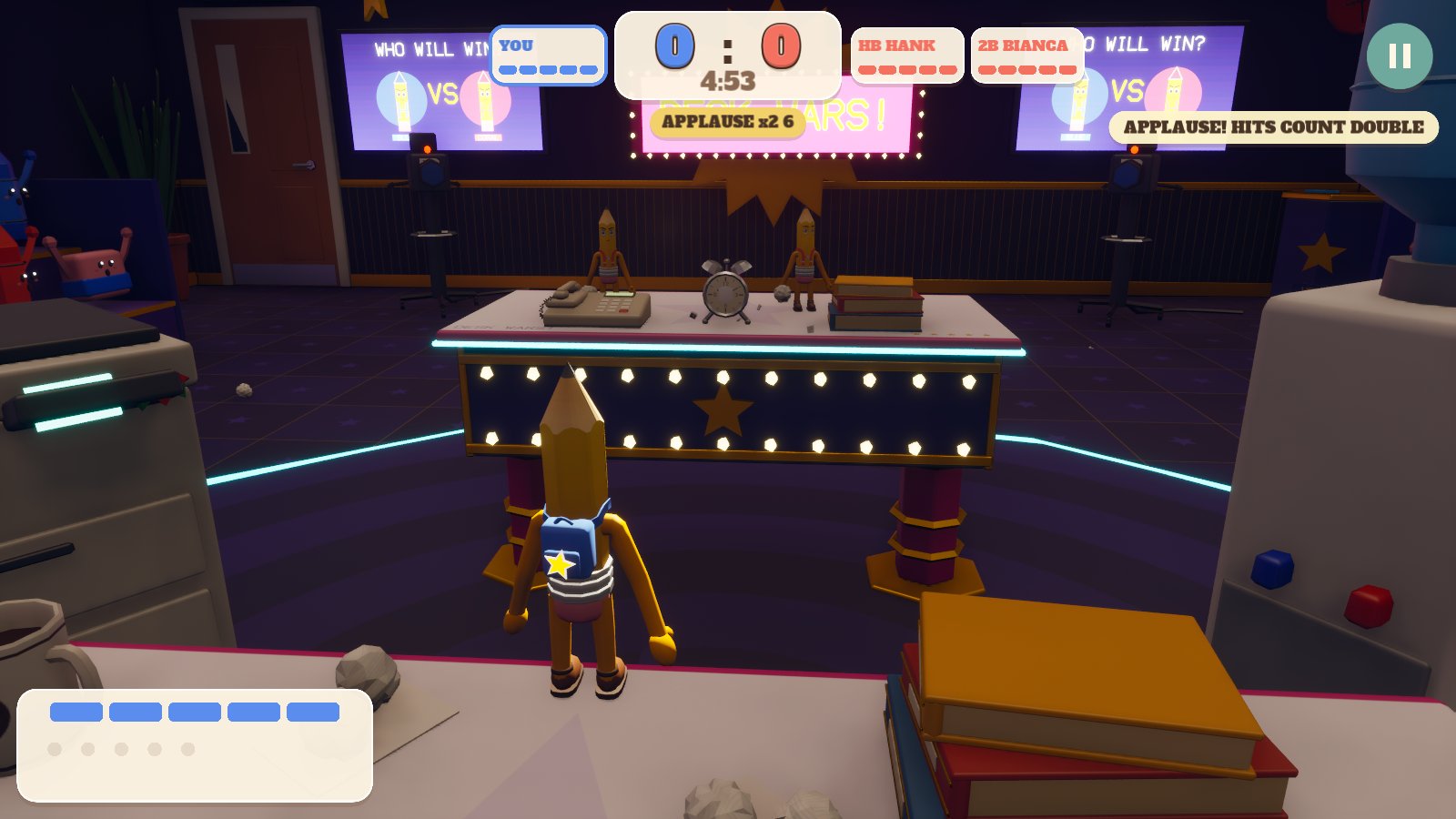
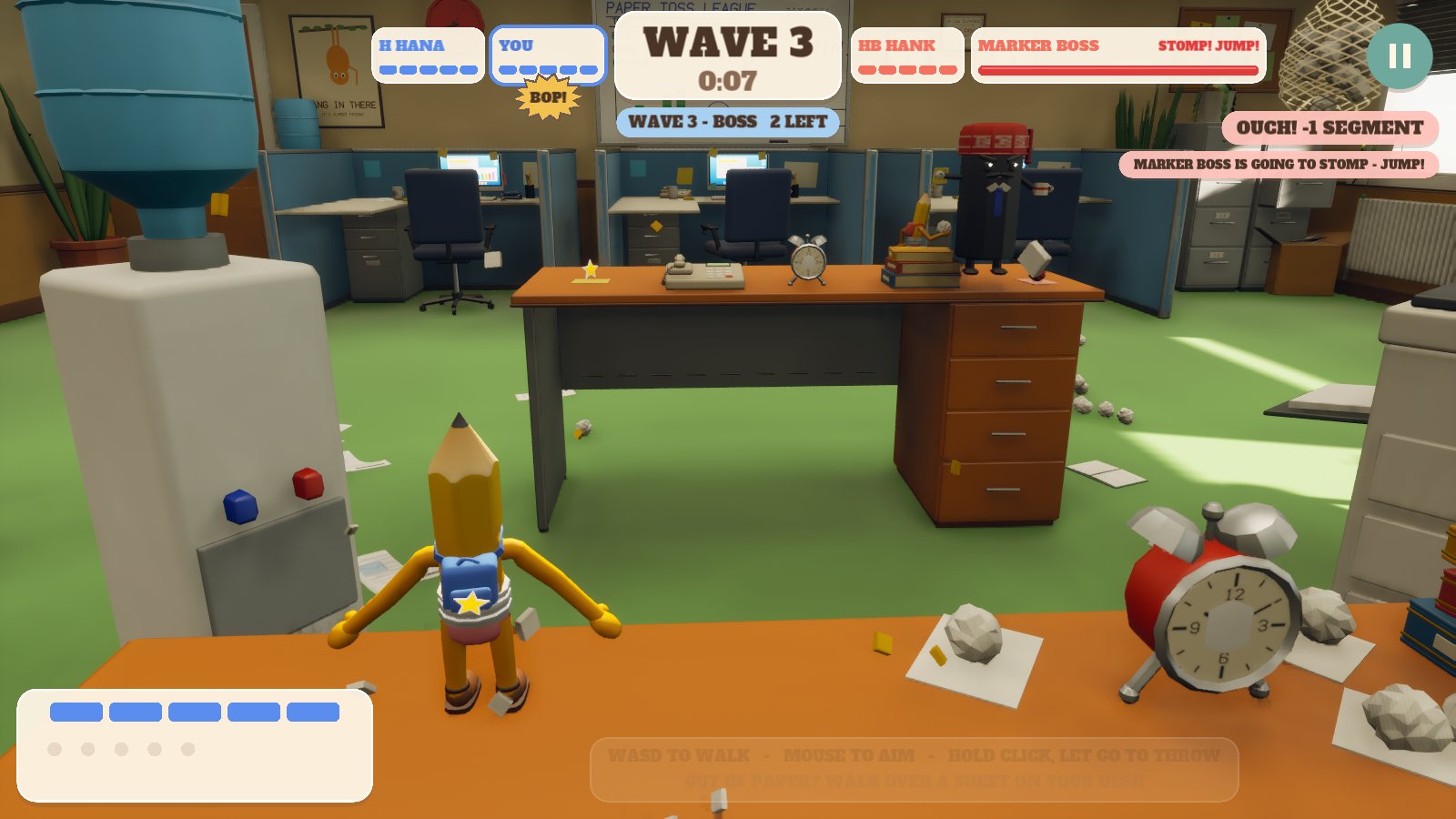
Two teams of pencils, two desks and a lot of crumpled paper. Hold to aim, watch the see-through line show where the ball will go, and let go. Every hit takes a bit off your rival, and five hits knock a pencil flat.
Paper lies about on your desk: walk over a sheet to scoop up its balls. Some give one, some two, a whole stack fills your pouch, red sheets hide a bomb and gold stars a special ball. Duck behind books and office clutter, knock it flat, and use whatever the room throws at you.
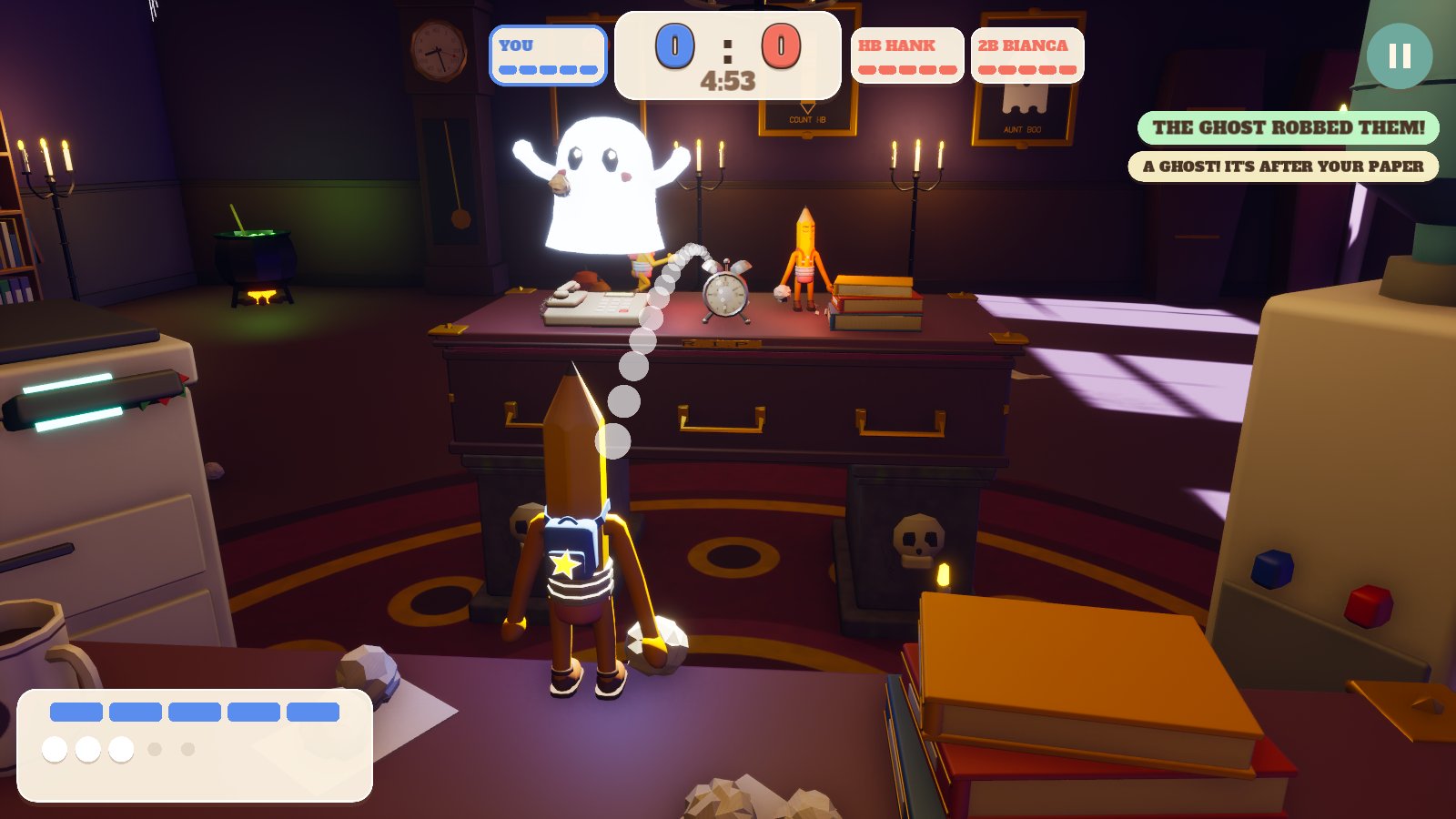
- Six rooms with a twist: office, school and a haunted room to start, then a hospital, police station and TV studio to unlock. Spilled coffee, a teacher who hands out detention, a ghost that steals balls, runaway beds, a siren that makes someone WANTED and an audience whose applause makes hits count extra.
- Special balls: paper planes that home in, triple shots, giant balls that flatten cover, glue, bouncy balls and eraser bombs.
- Moves: jump, dodge roll, duck, charged super throws and catching balls to throw them back.
- A tutorial that shows you: every move is played out first, with a ghost thumb on the phone controls or the keys and mouse lighting up on PC, then it's your turn.
- Gadgets: fans, sprinklers, printers, the room lights, desk lamps, alarm clocks and air coolers, for you and the computer pencils to use.
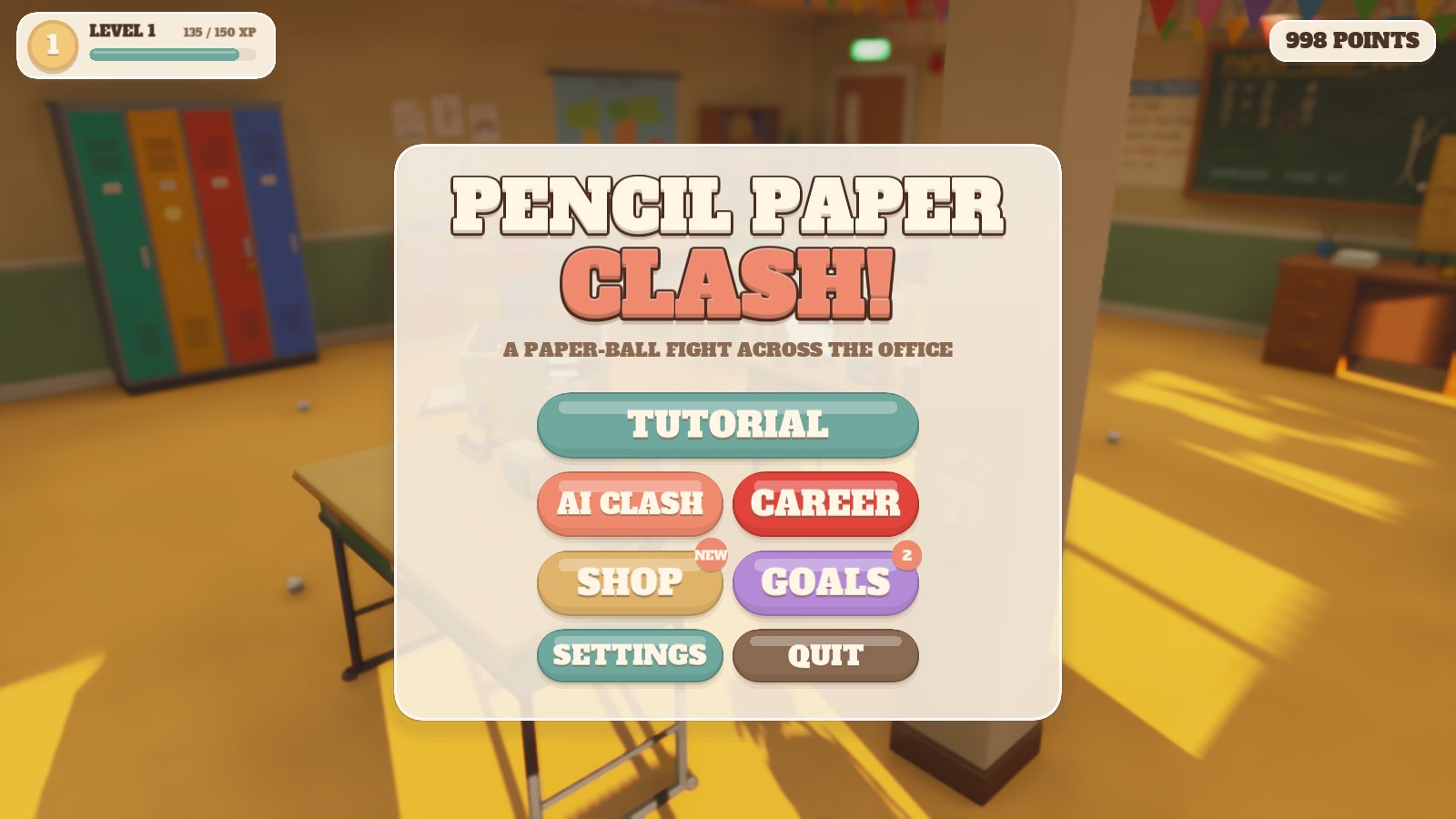
- Modes: best-of-three duels, King of the Desk, Capture the Eraser, Survival waves with a Marker Boss, a six-room Career and Party chaos.
- Online duels: one on one with a friend anywhere: one of you hosts, the other types the 4-letter room code. Best of three rounds.
- Weekly leaderboards: this week's points and online wins from everyone, under a funny made-up name like Sneaky Stapler 42. A new race every Monday.
- Shop and goals: hats, skins, paper styles, trails, dances, voices and rooms, all earned by playing, plus goals to chase. No real money: an optional short video after a match doubles your points, never forced.
How far we are
Google asked for 14 more days of testing before Pencil Paper Clash can go public (4 November 2026), so the closed test is open again. Testers who play a match now and then and tell us what they think really help.
Done
- Six rooms, special balls, gadgets and modes
- A tutorial that plays every move first
- Shop, goals, awards and the collection book
- One-on-one online duels with a room code
- Weekly leaderboards
- Signed release build and the Google Play listing
- A first 14-day closed test
Next on the plate
- 14 more days of testing, with updates from tester feedback
- Opening it to everyone on Google Play
Player reviews
What you need
Android
- 64-bit Android phone or tablet
- About 400 MB free space
- A Google account to join the Play test, or install from file allowed in settings
- On a PC: Android games can be played with Google Play Games for PC, once Google lists the game there
How to join the test
- Open the tester group and tap Join group. Use the Google account that's on your Android phone or tablet.
- Open the test page with the same account and tap Become a tester.
- Tap download it on Google Play and install it like any other app. It can take a few minutes after joining before Google Play shows it.
- Keep it installed for at least 14 days and play now and then. Google counts testers only while they stay in.
- Found a bug or have an idea? Email filipsworkshopdev@gmail.com or use Send feedback on the game's Google Play page.
How downloading works
- Ask with the short form under the pictures.
- Get a code by email once Filip has approved it. Can't see it? Check your spam or junk folder.
- Enter the code here and the download starts.
How to install
The game isn't in an app store yet, so your phone or PC asks a couple of extra questions. That's normal.
Android
- If your browser asks whether to keep the file, tap Download anyway.
- When it's finished, tap the download notification, or open Files → Downloads and tap the .apk file.
- If the phone says it can't install unknown apps, tap Settings, switch on Allow from this source, then go back.
- Tap Install. If Play Protect warns you, tap More details → Install anyway. It asks only because the game isn't from the Play Store.
- If it still won't install, open the .apk with your phone's own app instead of Google Play: App Market or Files on Honor and Huawei, My Files on Samsung. Or turn off Play Store → your profile → Play Protect → ⚙ → Scan apps for a moment, install, and turn it back on.
- Tap Open, or find the game with your other apps.